plot.bm_bitmap() plots a bm_bitmap() object to the graphics device
while plot.bm_pixmap() plots a bm_pixmap() object to the graphics device.
They are wrappers around grid::grid.raster() and as.raster.bm_bitmap()
or as.raster.bm_pixmap().
which converts a bitmap glyph object to a raster object.
col_bitmap is a builtin color string vectors intended for use with the col
argument for casting bm_bitmap() objects to pixmap objects.
Usage
# S3 method for class 'bm_bitmap'
plot(
  x,
  ...,
  col = getOption("bittermelon.col", col_bitmap),
  interpolate = FALSE
)

# S3 method for class 'bm_pixmap'
plot(x, ..., interpolate = FALSE)

# S3 method for class 'bm_bitmap'
as.raster(
  x,
  native = FALSE,
  ...,
  col = getOption("bittermelon.col", col_bitmap)
)

# S3 method for class 'bm_pixmap'
as.raster(x, native = FALSE, ...)

col_bitmapArguments
- x
A
bm_bitmap()object- ...
Passed to
grid::grid.raster().- col
Character vector of R color specifications. First color is used for values equal to 0, second color for values equal to 1, etc.
- interpolate
Passed to
grid::grid.raster().- native
If
TRUEreturn a "nativeRaster" object instead of a "raster" object. This will require that the suggested packagefarveris installed.
Value
plot.bm_bitmap() and plot.bm_pixmap() return a grid::rasterGrob() object silently.
As a side effect will draw to graphics device.
as.raster.bm_bitmap() and as.raster.bm_pixmap() return "raster" objects (see grDevices::as.raster()).
Examples
font_file <- system.file("fonts/spleen/spleen-8x16.hex.gz", package = "bittermelon")
font <- read_hex(font_file)
capital_r <- bm_extend(font[[str2ucp("R")]], left = 1L)
capital_r <- bm_extend(capital_r, sides = 1L, value = 2L) # add a border effect
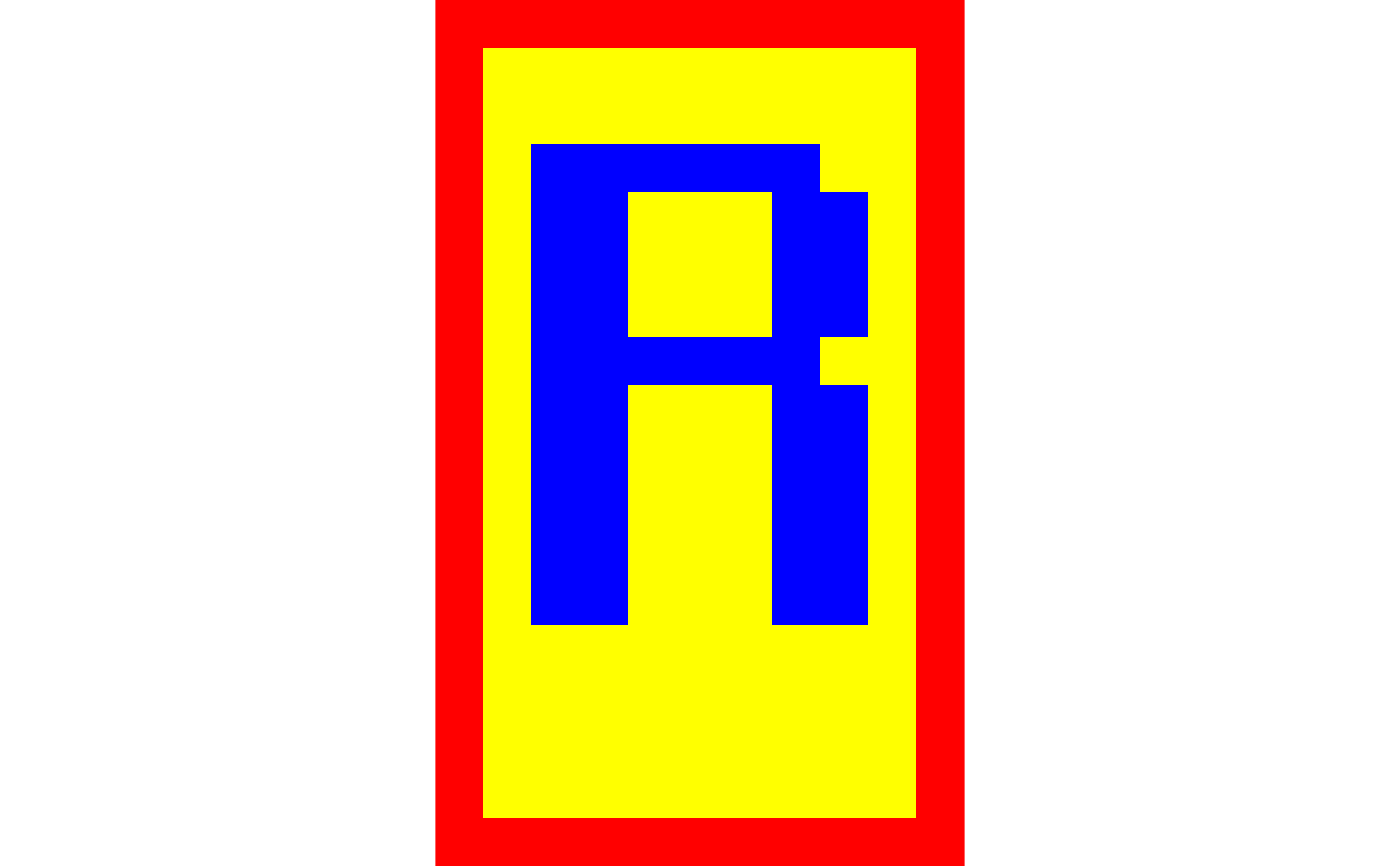
plot(capital_r)
 plot(capital_r, col = c("yellow", "blue", "red"))
 crops <- farming_crops_16x16()
grapes <- crops$grapes$portrait
plot(grapes)
crops <- farming_crops_16x16()
grapes <- crops$grapes$portrait
plot(grapes)