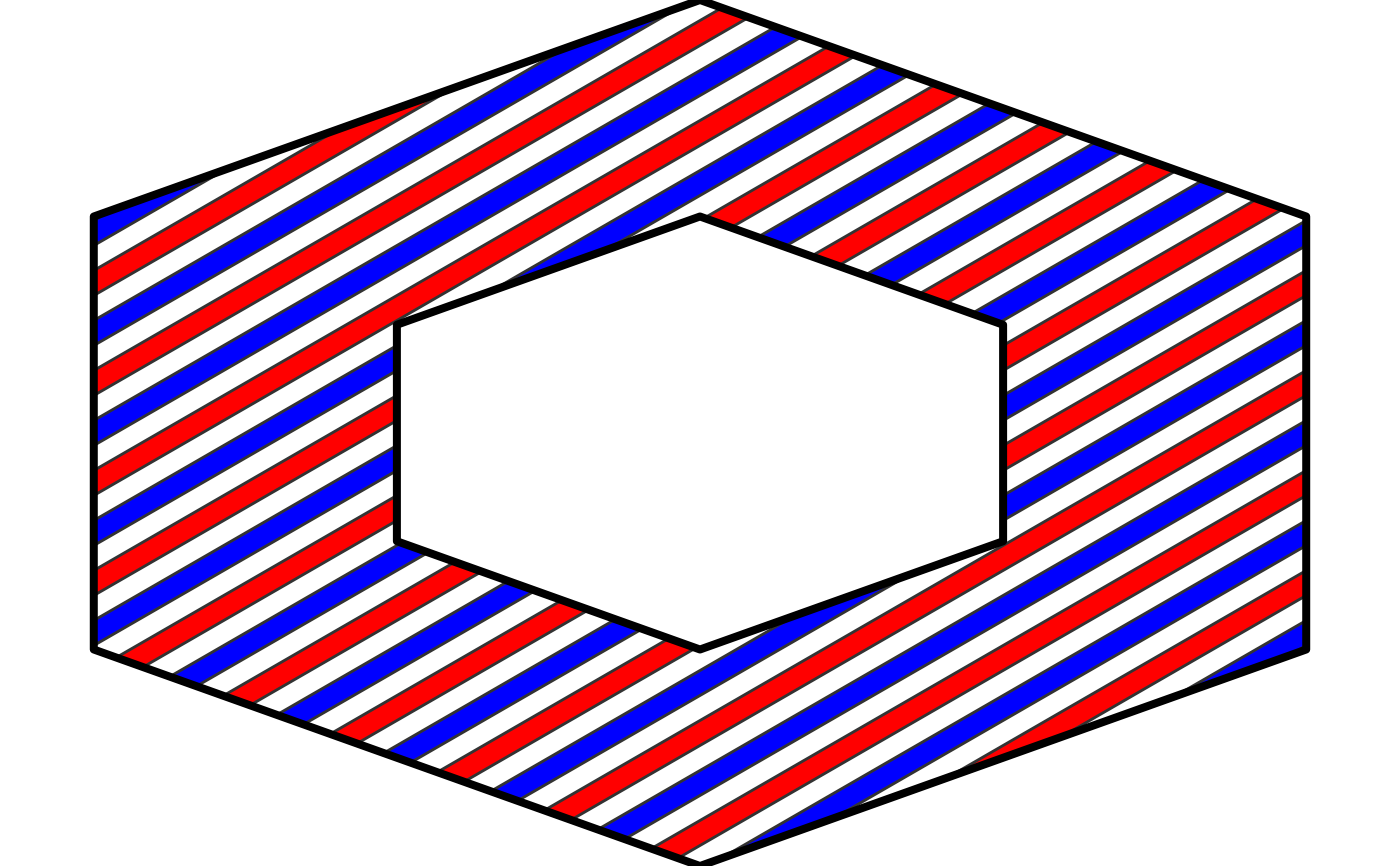
as.patternGrob() creates a pattern grob (like patternGrob()) whose boundary is
the area filled by an existing grid grob instead of numeric x, y, id coordinates.
Arguments
- boundary
A grid grob whose (filled) area is the boundary of the pattern.
- ...
<
dynamic-dots> Passed topatternGrob(): thepatternname, its pattern parameters, and itslegend,prefix,name,gp, andvparguments (but notx,y, noridsince the boundary isboundary). A list of them can be spliced in with!!!.
Value
A pattern grid grob object (as returned by patternGrob()).
Details
The boundary grob is measured when the pattern grob is drawn (in the viewport it is drawn in).
How depends on the class of boundary:
grid::polygonGrob()Its
x,y, andid(orid.lengths) are used directly so the result is the same as apatternGrob()call: its polygons are filled as one region.grid::pathGrob()Its rings (grouped by
pathId) are filled according to itsrule. Where a path has holes the pattern is also masked by the path withalphaMaskGrob()(whoseuse_R4.1_masks,png_device, andresare the pattern parameters of the same names e.g. using the R 4.1 mask feature if the graphics device supports it else agrid::rasterGrob()approximation at the resolutionpattern_res).grid::rectGrob()Each of its rectangles is a boundary polygon.
patternGrob()An existing pattern grob is returned unchanged (use
grid::editGrob()to change its pattern or parameters).- Any other grob
Its boundary is computed by
grid::grobCoords()(which requires R 4.2 or later, whosegrobCoords()returns the coordinates of its shapes): agrid::circleGrob(),grid::roundrectGrob(), (closed)grid::xsplineGrob(), or the filled symbols of agrid::pointsGrob()(pch21 to 25, whose interior is painted withfill) are approximated by polygons while agTreeor any other grob (e.g. agrid::textGrob()) is the union of its shapes' coordinates masked by the grob itself (so e.g. the glyphs of a text grob get the pattern). A grob without a filled area (e.g. agrid::linesGrob(),grid::rasterGrob(), orgrid::pointsGrob()of other symbols) draws nothing.
A pattern grob with a boundary grob stores it as boundary (instead of x, y, and id)
so grid::editGrob() that element to change its boundary (a grid::polygonGrob() edited in is also measured when drawn).
The vp of boundary (if any) is pushed within vp when the pattern grob is drawn
(as if boundary were drawn within a gTree with vp) while a grid::polygonGrob() boundary's vp
is instead combined with vp by grid::vpStack() (as its coordinates are reused).
See also
patternGrob() for a pattern grob with a numeric boundary,
with_pattern() which fills each area of a grob (e.g. of a gTree) with a pattern,
and alphaMaskGrob() which masks any grob with another.
Examples
run_examples <- require("grid", quietly = TRUE) &&
getRversion() >= "4.2.0"
if (run_examples) {
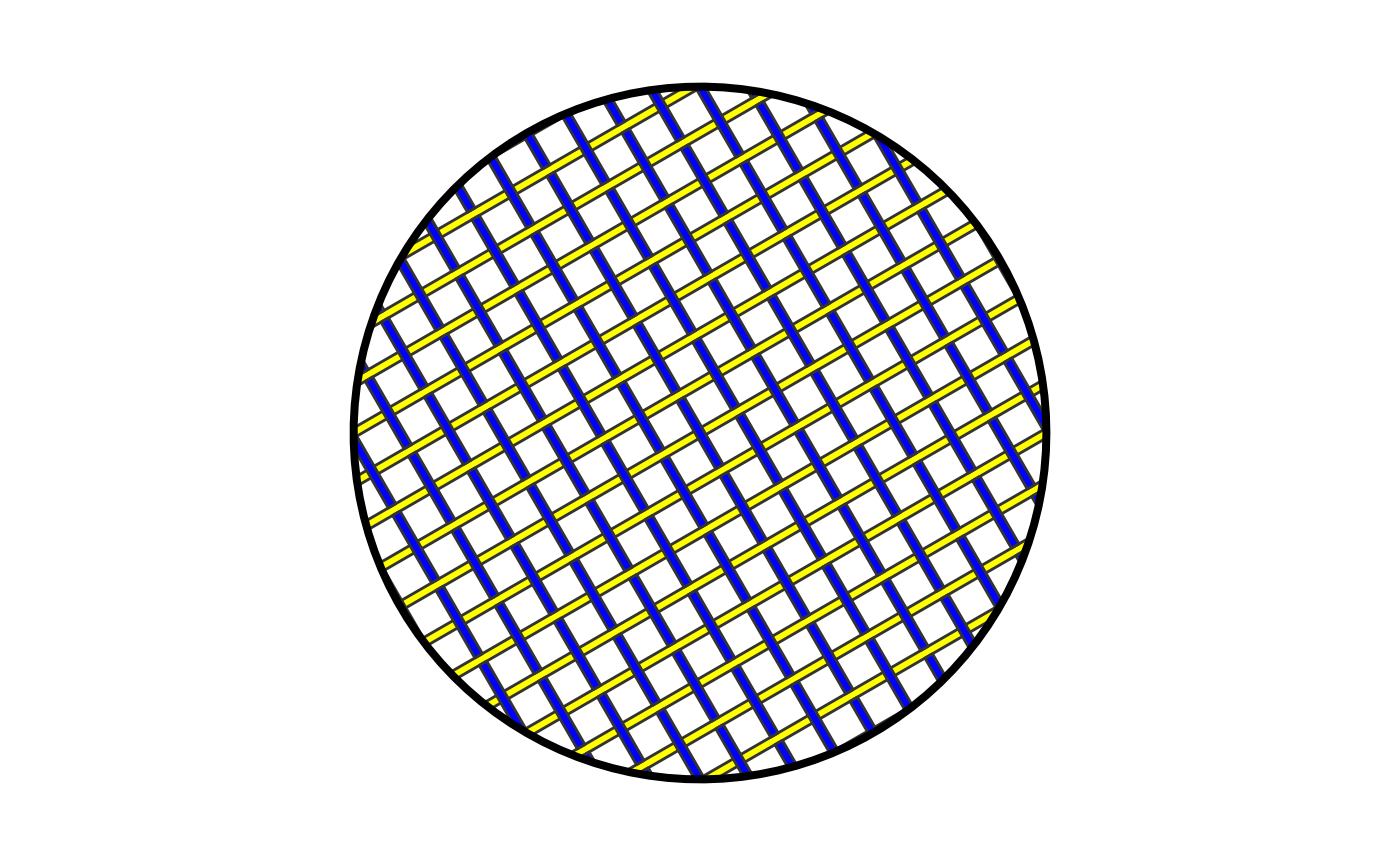
# a circle is approximated by a polygon
grid.newpage()
circle <- circleGrob(r = 0.4, gp = gpar(fill = NA, lwd = 4))
grid.draw(as.patternGrob(circle, "weave", fill = "yellow", fill2 = "blue"))
grid.draw(circle)
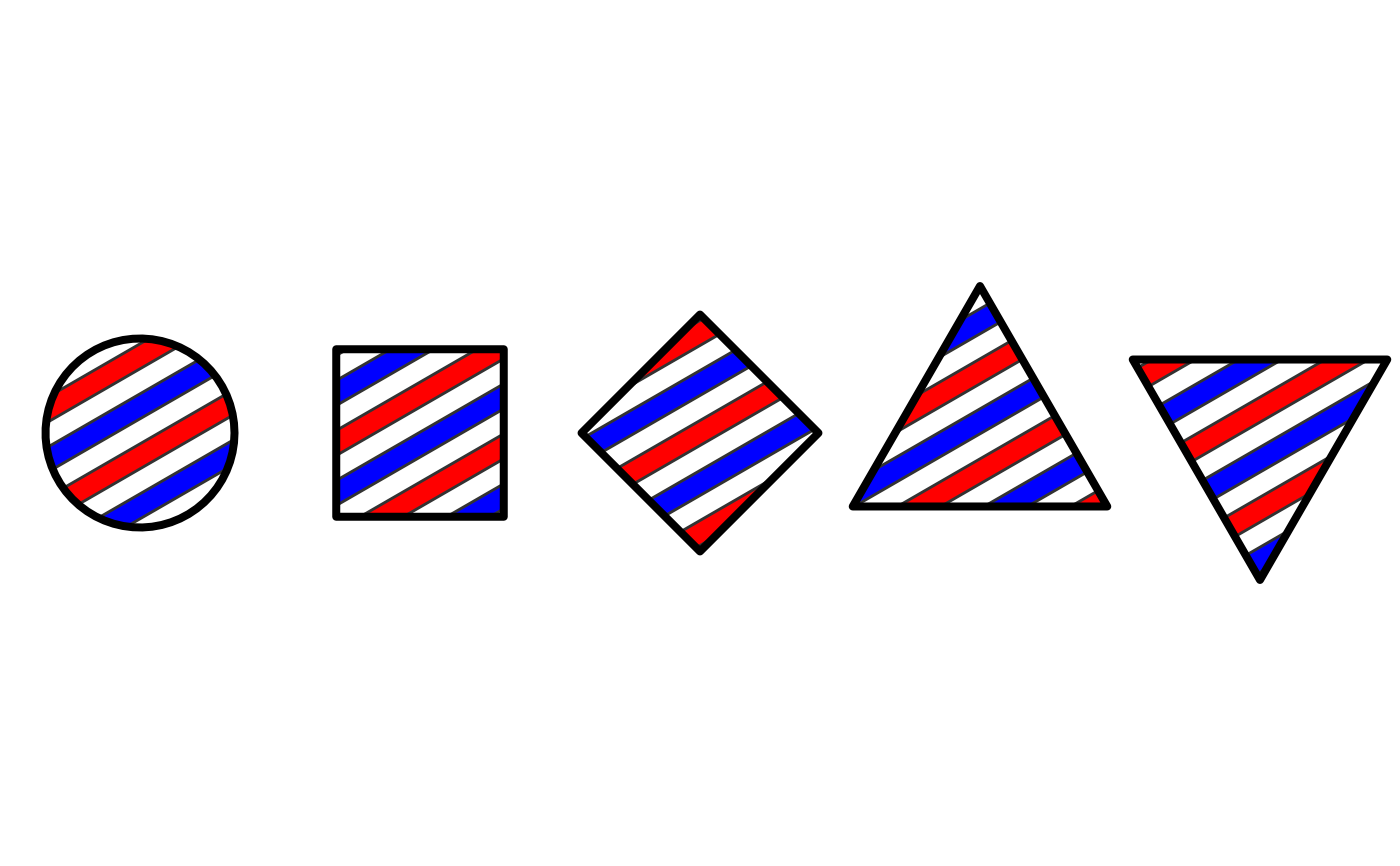
# as are the filled symbols (pch 21 to 25) of points
}
 if (run_examples) {
grid.newpage()
points <- pointsGrob(seq(0.1, 0.9, by = 0.2), rep(0.5, 5),
pch = 21:25, size = unit(0.18, "npc"),
default.units = "npc", gp = gpar(fill = NA, lwd = 4))
grid.draw(as.patternGrob(points, "stripe", fill = c("red", "blue"), density = 0.5))
grid.draw(points)
}
 # the holes of a path are cut out by a mask
if (run_examples && "alpha" %in% grDevices::dev.capabilities()$masks) {
angle <- seq(2 * pi / 4, by = 2 * pi / 6, length.out = 6)
x_hex <- 0.5 + 0.5 * cos(angle)
y_hex <- 0.5 + 0.5 * sin(angle)
path <- pathGrob(x = c(x_hex, 0.5 + 0.25 * cos(angle)),
y = c(y_hex, 0.5 + 0.25 * sin(angle)),
id = rep(1:2, each = 6), rule = "evenodd",
gp = gpar(fill = NA, lwd = 4))
grid.newpage()
grid.draw(as.patternGrob(path, "stripe", fill = c("red", "blue"), density = 0.5))
grid.draw(path)
}